
When you create an account on the Thunes platform, you will receive an email:
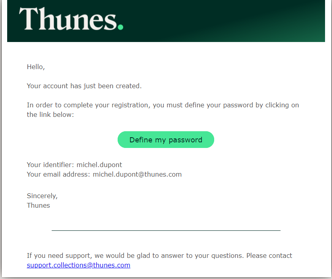
You can then:
- View your login.
- Check the email address associated with your account.
- Click on the link to set a password.
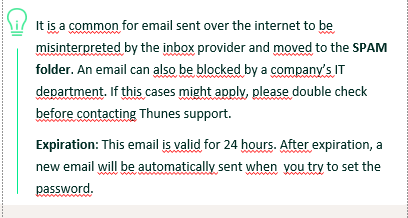
Login and password
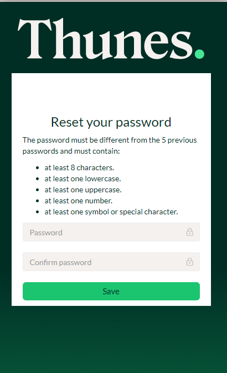
When setting the password, you will be asked to follow a series of guidelines to ensure it is secure.
Password requirements are indicated directly on the form.
If you use chrome, be sure to save the new password on your browser!
Comments
0 comments
Please sign in to leave a comment.